
Table of Contents
Introduction: Why Everyone Is Talking About LangChain
If you’ve been following the world of Artificial Intelligence lately, you’ve probably heard people mention LangChain — but what exactly is it?
You might think it’s some complex tech term only programmers understand, but don’t worry. In this post, you’ll learn what LangChain is, how it works, and how to use LangChain to build smart AI applications — all explained in simple words.
By the end, even if you’ve never coded before, you’ll clearly understand how LangChain helps AI think, reason, and connect with real-world data — just like humans do.
What is LangChain?
Imagine you have a very smart robot friend — let’s call it “Lango.”
Lango can talk and answer questions but doesn’t remember what you said before or know how to search the internet.
That’s where LangChain comes in.
LangChain is a framework that helps AI models like ChatGPT or GPT-4 use memory, connect to data, and perform actions in the real world.
In simple words:
LangChain helps AI become more useful, more intelligent, and more human-like.
It’s like giving your robot friend Lango superpowers — the ability to remember, look things up, and make smart decisions.
How LangChain Works (Simplified)
LangChain connects all the key parts that make AI truly smart.
1. Large Language Models (LLMs)
These are the brains — like GPT-4 or Gemini — that understand and generate text.
2. Memory
Memory allows AI to remember past interactions. For example, if you ask,
“What is LangChain?”
and then say,
“Explain it again in simpler words,”
LangChain helps the AI remember your context.
3. Tools and APIs
LangChain allows AI to use external tools like:
- Calculators
- Web search APIs
- PDF readers
- Databases
Now the AI can actually find data, not just talk.
4. Chains and Agents
- Chains help AI follow a series of steps logically.
- Agents help AI make decisions about which tool or action to use next.
Together, they make AI act more intelligently.
The Building Blocks of LangChain
| Component | Role |
|---|---|
| LLMs | Understand and generate human language. |
| Prompt Templates | Give structure to the questions or tasks. |
| Memory | Allows AI to remember past interactions. |
| Tools & APIs | Let AI fetch external data or perform tasks. |
| Chains & Agents | Make AI think and act in steps. |
Each part works together like organs in a body — the result is an intelligent, thinking AI system.
Real-Life Examples of LangChain in Action
AI Tutors
LangChain helps build chatbots that remember lessons and personalize learning for students.
Data Summarizers
LangChain can read and summarize large documents or research papers.
Business Assistants
Companies use it to automate answering internal questions, summarize reports, and search documents.
Search-Enhanced Chatbots
LangChain lets AI connect to the internet to find live information before answering you.
Analogy: LangChain Is Like a Chef’s Assistant
Imagine a chef who knows every recipe but doesn’t know where the ingredients are.
LangChain acts as the assistant who brings the ingredients (data), uses the tools (APIs), and remembers what dishes you liked before (memory).
Together, they serve a perfect dish — or in AI’s case, a perfect response. 🍽️
How to Use LangChain (Step-by-Step for Beginners)
Now that you know what LangChain is, let’s see how to actually use it.
LangChain is free, open-source, and easy to get started with. It mainly works in Python and JavaScript.
Here’s how you can begin
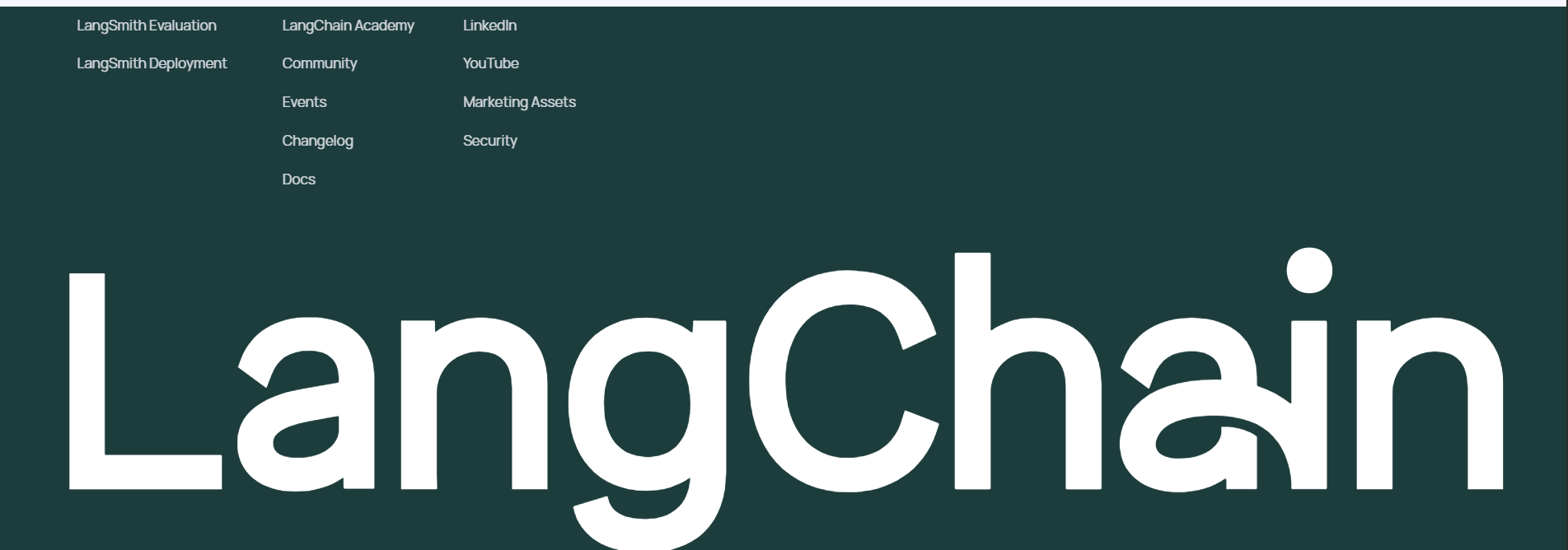
Step 1: Visit the Official LangChain Website
Go to 👉 https://www.langchain.com/
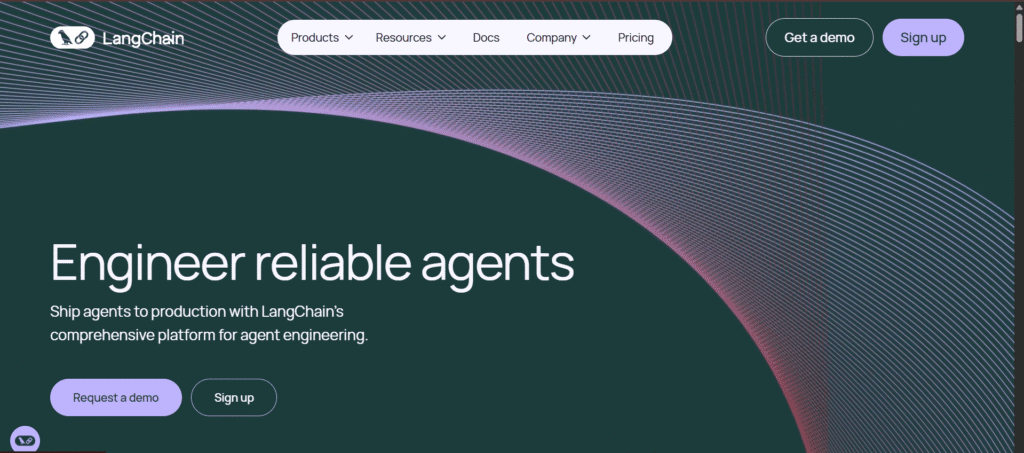
Image Source: LangChain Official Website
This is the official website where you’ll find:
- Documentation
- Tutorials
- Starter templates
- Community projects
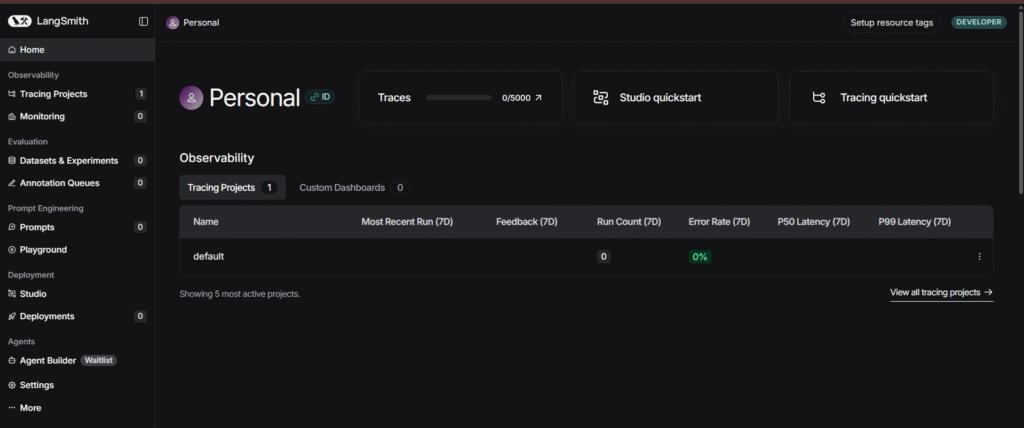
Image Source: LangChain Official Website
You can also explore the code on GitHub here:
👉 https://github.com/langchain-ai/langchain
Step 2: Install LangChain on Your Computer
If you have Python installed, open your terminal or command prompt and type:
pip install langchain openai
This installs LangChain and the OpenAI library (so you can use GPT-based models).
Step 3: Set Up Your API Key
To use AI models like GPT, you’ll need an OpenAI API key.
Create one at https://platform.openai.com, copy it, and save it.
Then set it in your terminal:
export OPENAI_API_KEY="your_api_key_here"
Step 4: Write Your First LangChain Program
Here’s a super simple Python example 👇
from langchain.llms import OpenAI
from langchain.chains import LLMChain
from langchain.prompts import PromptTemplate

# Step 1: Create a prompt
prompt = PromptTemplate(
    input_variables=["topic"],
    template="Explain {topic} in simple words for a beginner."
)

# Step 2: Connect to an AI model
llm = OpenAI(temperature=0.7)

# Step 3: Build your chain
chain = LLMChain(llm=llm, prompt=prompt)

# Step 4: Run it
print(chain.run("LangChain"))
What this does:
It sends a request to the AI model through LangChain, asking it to explain a topic in simple language — just like this article!
Step 5: Explore Memory and Tools
Once you understand the basics, you can add features like:
- Conversation memory (so the AI remembers you)
- Tool use (connect APIs like Google Search or Wikipedia)
- Document reading (summarize PDFs or text files)
LangChain has tutorials for all these features on its official docs page:
👉 https://python.langchain.com
Bonus: Use LangChain Hub
LangChain also has a platform called LangChain Hub — a place where developers share ready-to-use chains, prompts, and examples.
Visit: https://smith.langchain.com/
You can experiment with prebuilt workflows or publish your own AI apps there.
The Future of LangChain
LangChain isn’t just another AI library — it’s becoming the backbone of modern AI development.
In 2025 and beyond, LangChain is being used for:
- Voice-based AI agents
- Auto-research tools
- Business analytics bots
- Smart educational assistants
It’s what bridges the gap between AI intelligence and real-world action.
Key Takeaways
| Concept | Simple Meaning |
|---|---|
| What is LangChain? | A framework that connects AI with memory, tools, and data. |
| How to use it? | Install it, connect to an AI model, and create prompt chains. |
| Why it’s powerful? | Lets AI remember, reason, and act — not just talk. |
| Official Site | langchain.com |
| Best for | Developers, students, and AI enthusiasts. |
In short:
Without LangChain, AI can talk.
With LangChain, AI can think, remember, and act.
Final Thoughts
LangChain is one of the most exciting innovations in AI today. It’s what makes chatbots smarter, assistants more helpful, and AI tools more powerful.
Whether you’re a student or a developer, learning how to use LangChain can open endless opportunities in the world of AI.
If you’ve ever used ChatGPT or any smart assistant that seems to “think” — now you know the secret behind it: LangChain.
You May Also Like
If you found this blog interesting, you might enjoy exploring more stories, tips, and insights in our