

Table of Contents
Introduction
Have you ever looked at a beautifully designed website and wondered — “How do developers make it look so perfect?”
That’s the magic of CSS (Cascading Style Sheets).
CSS is what transforms a plain HTML page into a visually stunning, responsive, and interactive website. From colors and typography to animations and layout — CSS controls it all.
If you’re starting your journey as a front-end web developer, mastering CSS is non-negotiable. But here’s the problem most beginners face:
They start learning CSS randomly without a structured plan — and end up feeling lost.
That’s why this blog gives you a complete CSS roadmap for beginners (2025 edition) — step-by-step, with learning timelines, practice ideas, tools, and resources to make you confident in just 45 days.
Let’s get started!
Why Learn CSS in 2025?
In 2025, the web is more design-focused than ever. With users accessing sites on dozens of screen sizes — laptops, tablets, phones, TVs — CSS is the backbone of responsive, adaptive web design.
Here’s why CSS is worth your time:
- It defines how your website looks — colors, layouts, animations.
- It makes your site responsive and mobile-friendly.
- It improves user experience and brand identity.
- It’s essential for every front-end developer, UI designer, and even WordPress creator.
In short: HTML gives a website its structure, CSS gives it style — and style is what attracts and retains visitors.
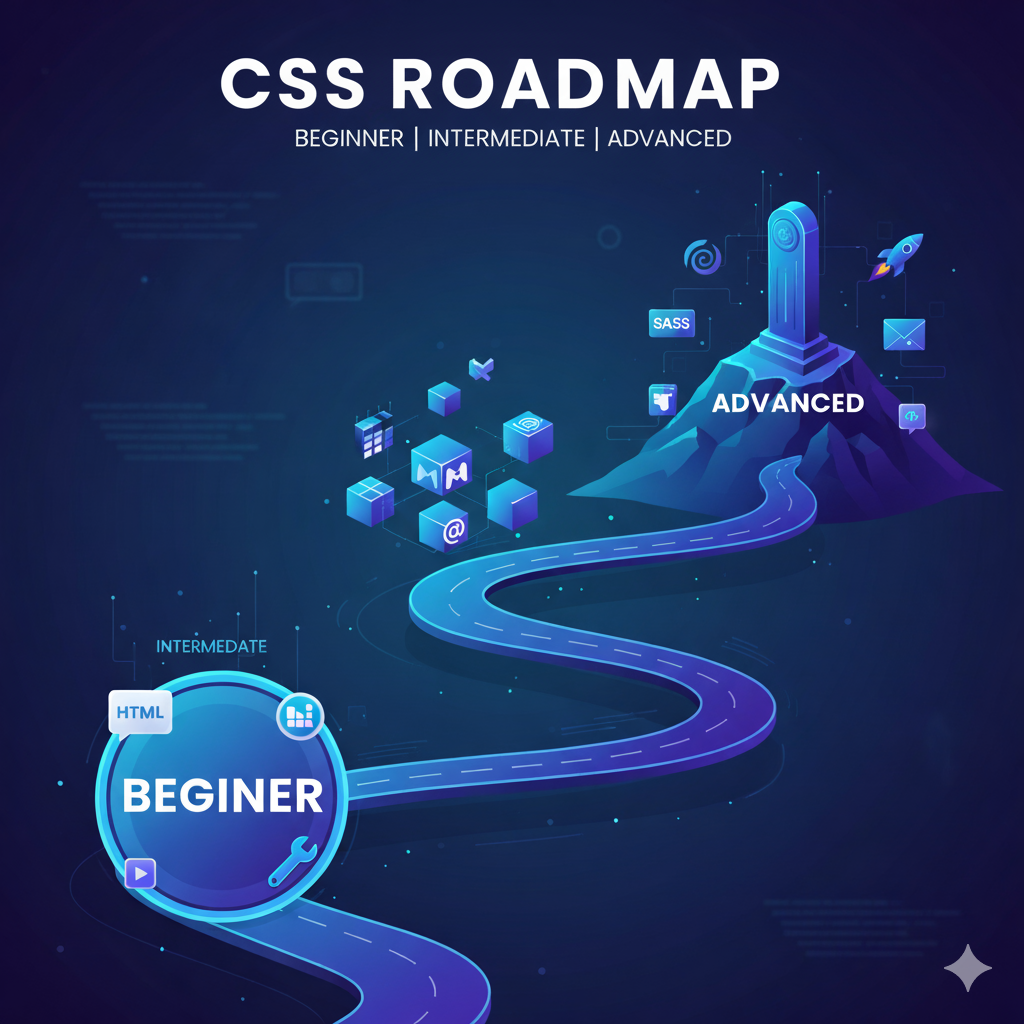
The Complete CSS Roadmap (Beginner → Intermediate → Advanced)
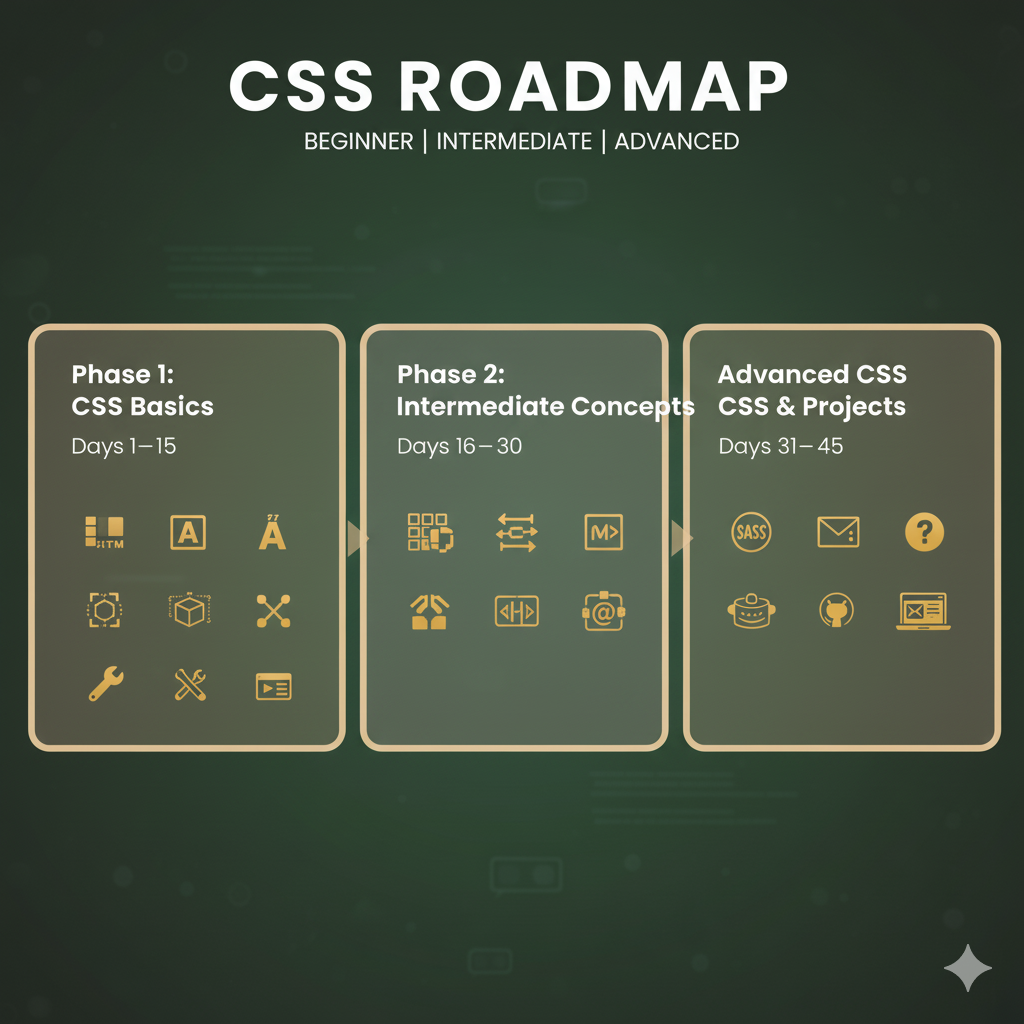
This roadmap is designed to take you from zero to expert in 45 days, divided into three stages:
| Level | Duration | Focus |
|---|---|---|
| Beginner | Day 1–15 | Fundamentals, syntax, colors, text, box model |
| Intermediate | Day 16–30 | Flexbox, positioning, selectors, transitions |
| Advanced | Day 31–45 | Grid, animations, responsive design, frameworks |
Stage 1: Beginner (Day 1–15) — Build Your CSS Foundation
At this stage, focus on core concepts — the building blocks that every developer must master.
Goals:
- Understand how CSS works
- Learn syntax, selectors, and color models
- Master text, boxes, and spacing
1. Learn What CSS Is and How It Works
CSS (Cascading Style Sheets) controls presentation and layout of web pages.
You can apply CSS in 3 ways:
- Inline CSS: inside the HTML tag
- Internal CSS: inside
<style>tags - External CSS: linked through a
.cssfile (best practice)
Example:
<link rel="stylesheet" href="style.css">
2. Understand CSS Syntax
Every CSS rule follows this pattern:
selector {
  property: value;
}
Example:
h1 {
  color: blue;
  font-size: 36px;
}
3. Colors, Fonts, and Text Styling
CSS supports:
HEX,RGB, andHSLcolor formats- Text properties like:
font-familyfont-sizetext-alignfont-weightline-height
- Use Google Fonts for beautiful typography
Example:
p {
  color: #333;
  font-family: 'Poppins', sans-serif;
}
4. The CSS Box Model
Every HTML element is a box — made up of:
- Content → actual text or image
- Padding → space inside the box
- Border → the outline
- Margin → space outside the box
Visualize it like a sandwich 🍔 — padding is the filling, border is the crust, margin is the space on the plate.
Example:
div {
  margin: 10px;
  padding: 15px;
  border: 2px solid black;
}
5. CSS Units
Learn the difference between absolute and relative units:
- Absolute:
px,cm - Relative:
%,em,rem,vh,vw
Use relative units for responsive design.
6. Practice Ideas (Days 10–15)
- Change fonts and colors of a sample HTML page
- Create a styled quote card
- Build a basic personal profile page with CSS
After 15 days, you’ll be comfortable styling text, boxes, and layouts.
Time to level up!
Stage 2: Intermediate (Day 16–30) — Layouts, Flexbox & Interactivity
Now that you know the basics, it’s time to structure content properly and make designs interactive.
Goals:
- Learn positioning & layout systems
- Understand Flexbox
- Use pseudo-classes & transitions
1. CSS Display & Positioning
Every element has a display type:
block(div)inline(span)inline-blocknone(hidden)
Positioning types:
staticrelativeabsolutefixedsticky
Example:
header {
  position: sticky;
  top: 0;
  background: #fff;
}
2. Flexbox — The Game-Changer
Flexbox is a modern layout system that makes aligning elements easy.
Key properties:
display: flexjustify-contentalign-itemsflex-directiongap
Example:
.container {
  display: flex;
  justify-content: space-between;
  align-items: center;
}
Use Flexbox Froggy to master it interactively.
3. Pseudo-Classes & Pseudo-Elements
- Pseudo-classes:
:hover,:focus,:nth-child() - Pseudo-elements:
::before,::after
Example:
button:hover {
  background: blue;
  color: white;
}
4. Transitions and Hover Effects
Smooth animations create better UX:
.card {
  transition: all 0.3s ease;
}
.card:hover {
  transform: scale(1.05);
}
5. Intermediate Project Ideas (Days 25–30)
- Responsive navbar
- Pricing card layout
- Login page using Flexbox
- Hover animation gallery
By day 30, you’ll know how to create dynamic, interactive, and responsive page sections.
Stage 3: Advanced (Day 31–45) — Responsive Design, Grid & Frameworks
Now we go from developer to designer-level mastery.
You’ll learn modern layout techniques, CSS Grid, and responsive web design — the core of front-end development.
Goals:
- Master Grid and media queries
- Learn animations & keyframes
- Use frameworks like Tailwind & Bootstrap
- Build real-world projects
1. CSS Grid Layout
Grid is perfect for 2D layouts.
.container {
  display: grid;
  grid-template-columns: repeat(3, 1fr);
  gap: 20px;
}
Grid properties:
grid-template-rowsgrid-template-columnsgrid-areagap
Try Grid Garden (cssgridgarden.com) for interactive learning.
2. Responsive Web Design
Responsive = your site looks good on all devices.
Learn:
- Media Queries
@media (max-width: 768px) {
  body { font-size: 14px; }
}
- Fluid layouts using
%orvw - Mobile-first design approach
Use Chrome DevTools to test various screen sizes.
3. Keyframes Animations
CSS animations can replace JavaScript in many cases:
@keyframes fade {
  from { opacity: 0; }
  to { opacity: 1; }
}
.box {
  animation: fade 2s ease-in-out infinite alternate;
}
4. CSS Variables & Custom Properties
Variables make CSS reusable:
:root {
  --main-color: #3498db;
}
button {
  background: var(--main-color);
}
5. Frameworks & Preprocessors
Speed up your workflow:
- Tailwind CSS → utility-first, modern
- Bootstrap 5 → easy responsive grid
- Sass (SCSS) → variables, nesting, mixins
Example (Sass):
$primary: #007bff;
button {
  background: $primary;
}
6. Advanced Project Ideas (Days 40–45)
- Responsive portfolio website
- Product landing page
- Blog homepage layout
- Animated loader or button effects
After 45 days, you’ll be confident enough to build real-world websites and contribute to front-end projects.
Practice Makes Perfect — Project Plan
Here’s how you can apply your learning every week:
| Week | Focus | Project |
|---|---|---|
| 1 | Basics | Profile Page |
| 2 | Box Model, Colors | Quote Card |
| 3 | Flexbox | Login Page |
| 4 | Grid | Portfolio Layout |
| 5 | Responsive Design | Complete Website |
Best Free Resources to Learn CSS
- MDN Web Docs – Best documentation
- FreeCodeCamp – Interactive CSS course
- W3Schools – Quick and Practical CSS Learning
Tips to Master CSS Faster
- Build, not just read. Create small components daily.
- Inspect websites. Use Chrome DevTools to study layouts.
- Copy designs. Try recreating Dribbble or Behance UI samples.
- Join communities. Participate on Reddit, Dev.to, or Discord groups.
- Revise weekly. Revisit Flexbox, Grid, and Media Queries often.
CSS Learning Table
| Level | Duration | Key Topics | Tools |
|---|---|---|---|
| Beginner | 1–15 days | Syntax, selectors, box model, colors | VS Code, Chrome DevTools |
| Intermediate | 16–30 days | Flexbox, positioning, pseudo-classes, transitions | Flexbox Froggy |
| Advanced | 31–45 days | Grid, animations, responsive design, frameworks | Tailwind, Sass, Bootstrap |
Conclusion
CSS isn’t just a language — it’s the art of web design.
By following this CSS roadmap, dedicating just 45 days, and practicing with real projects, you’ll go from a beginner to someone who can design beautiful, responsive, and professional websites confidently.
Whether you dream of becoming a front-end developer, UI/UX designer, or even launching your own personal website — CSS is your ticket to creativity and code.
Start today. One line of CSS at a time — and watch your ideas come alive on the web!
You May Also Like
If you found this blog interesting, you might enjoy exploring more stories, tips, and insights in our